Publishing Passports
The RBTP Knowledge Base is evolving weekly as part of our pilot programs with RBA members. We’d love your input — submit feedback or help shape the protocol in real time by joining a pilot.
How to Publish a Digital Product Passport
In this exercise, we will demonstrate how to publish a Digital Product Passport (DPP).
Steps
-
Visit the Interactive VC Map - https://www.rbtp.pyx.io/interactive-vc-map
-
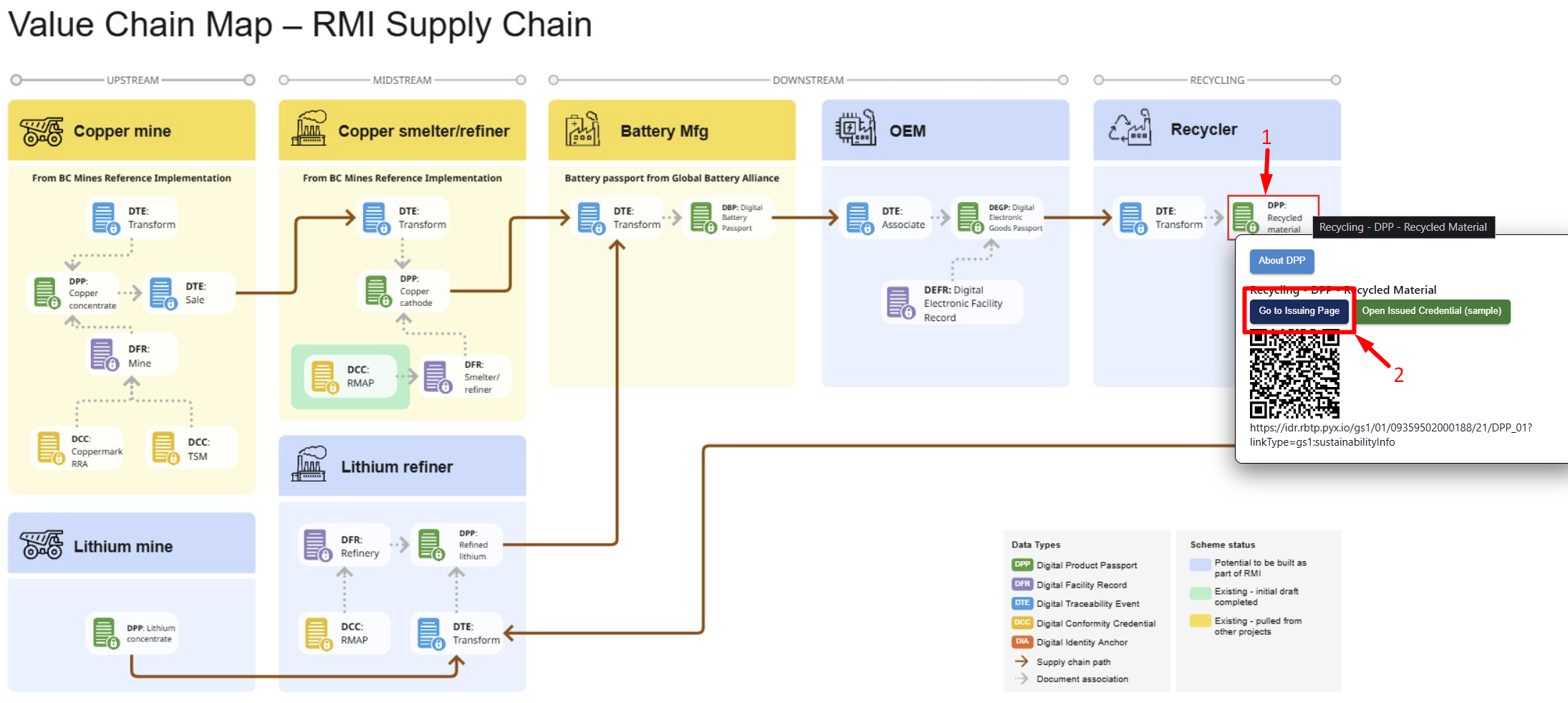
Select the Digital Product Passport located at the Recycler
-
Then select “Go to Issuing Page” to open a form to create a DPP for a recycled battery. The process is the same for any DPP on this map.
-
-
On the issuing page, update one of the input fields for the DPP:
-
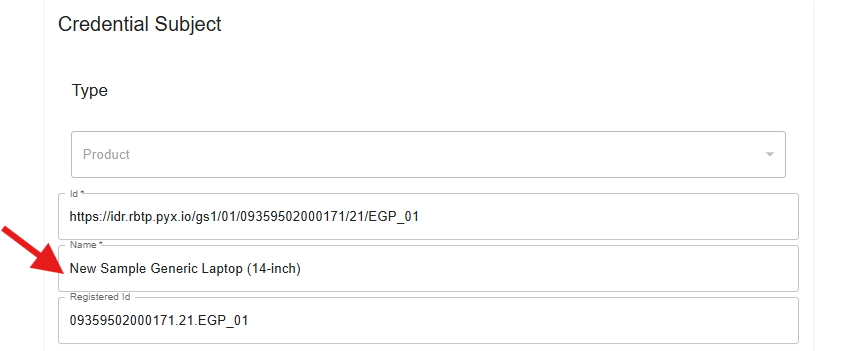
Go to the Credential Subject section and update the Name input field to your liking
-
For this exercise, we won't be updating the other fields, but please refer to the “Input fields description” below for more details on the meaning of the field
-
-
Click on “Submit” at the bottom of the page and you will have issued your Digital Product Passport for a Recycled Battery.
-
In order to view the newly created DPP, a pop up in the upper right hand corner of the screen will show for you to select “Open VC.”

-
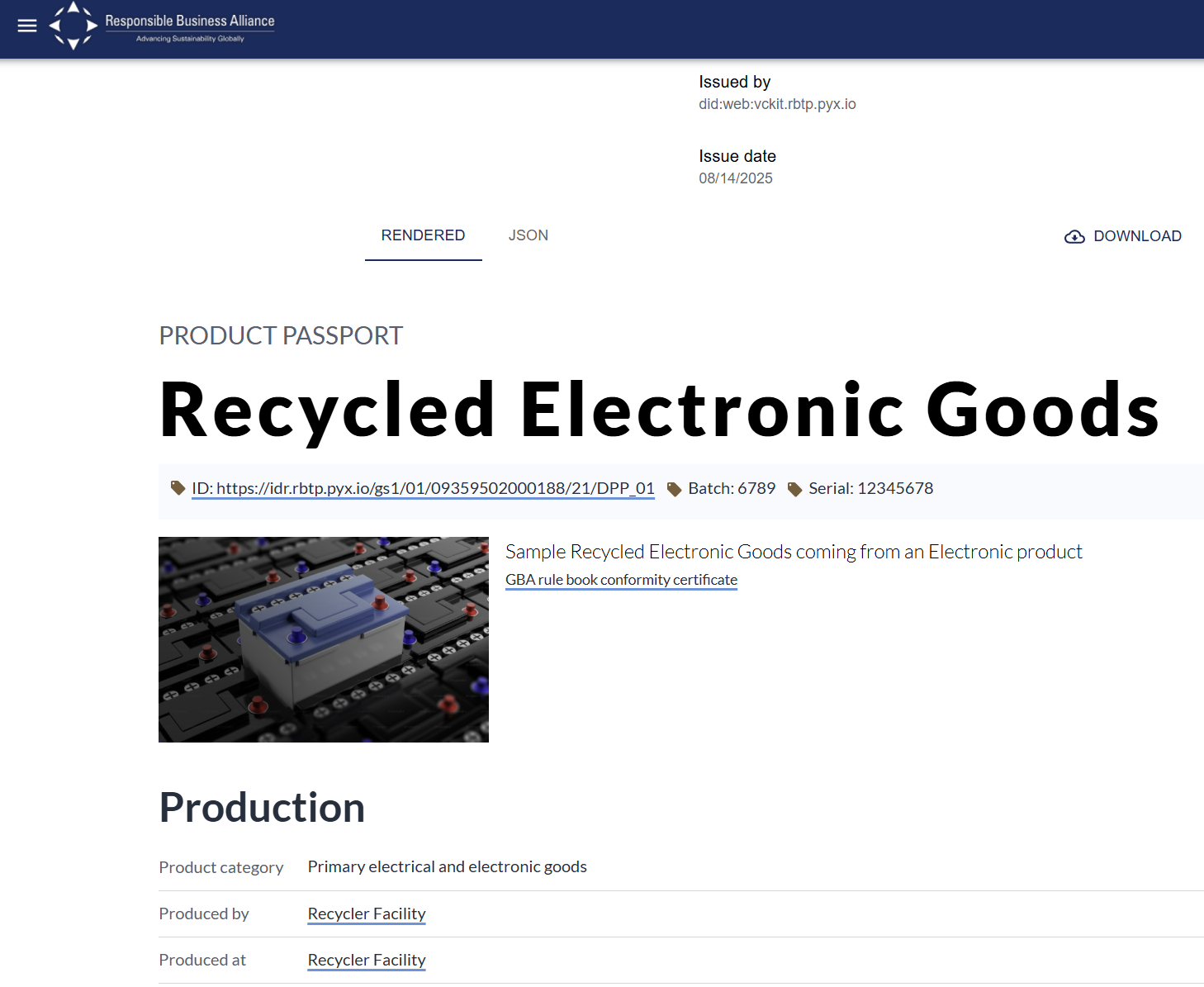
And now you are viewing your newly created DPP
-
If you’d like to share this DPP, visit the DPP sharing exercise to learn how
Input fields description
-
Type: specify the credential type

-
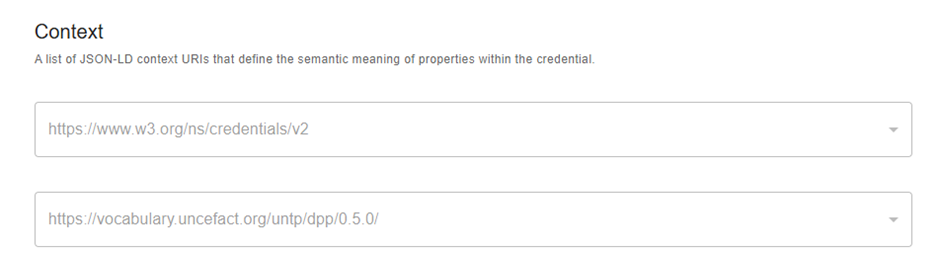
Context: define the semantic meaning of properties within the credential.
• Issuer: information about the issuer person or organization. You can modify the id and name.
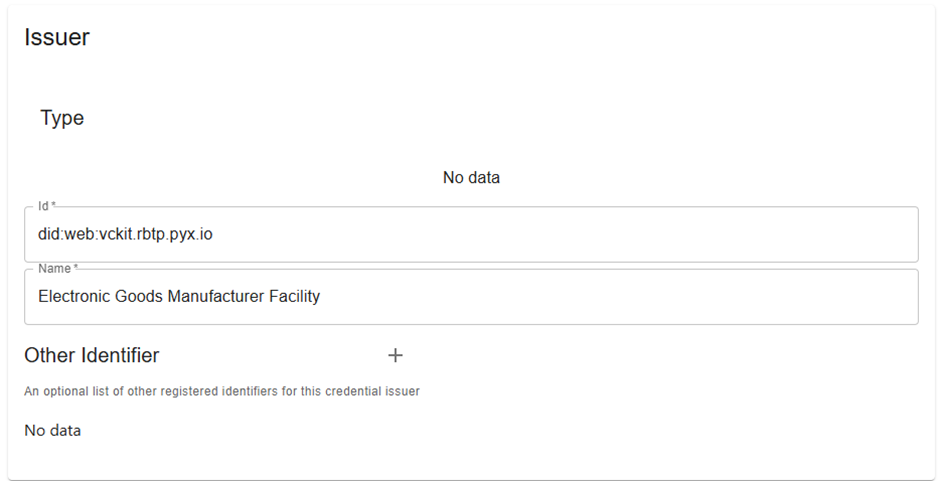
-
Validity period: You can specify the start and end dates for which the DPP is valid.

-
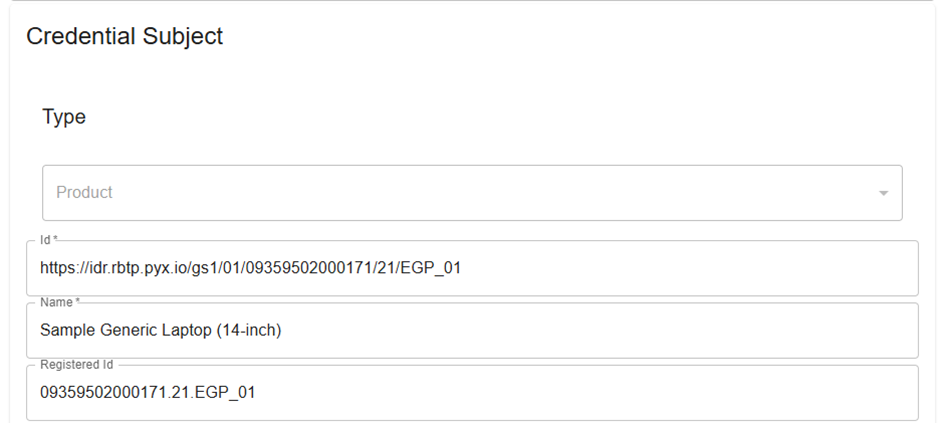
Credential Subject: information about the product within the identifier scheme. You can modify the Id, Name and Registered Id.
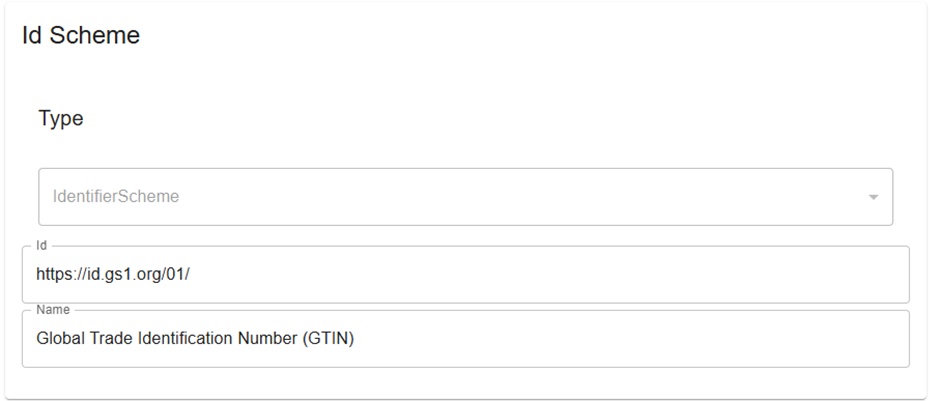
- Id Scheme: contains the identifier scheme type, id and Name. You can modify the Id and the Name.
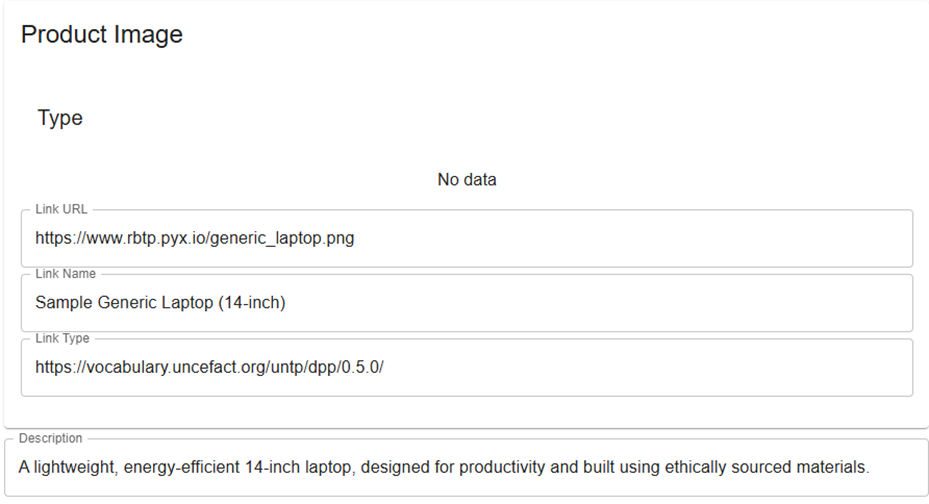
- Product Image: contains the product image as a URL, name and type. All these fields can be modified.
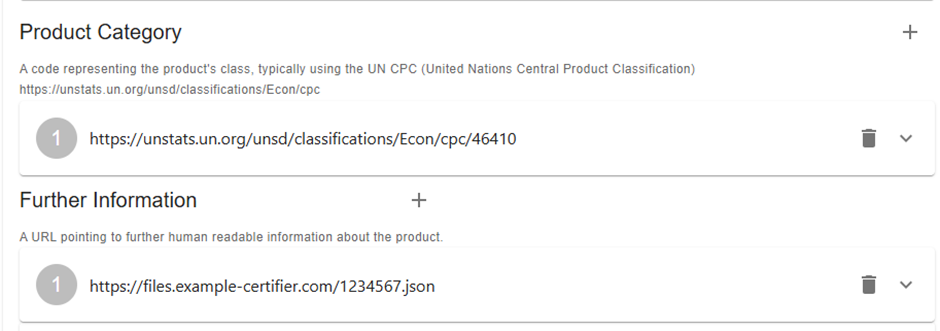
• Product Category: code representing the product class, typically using the UN CPC.
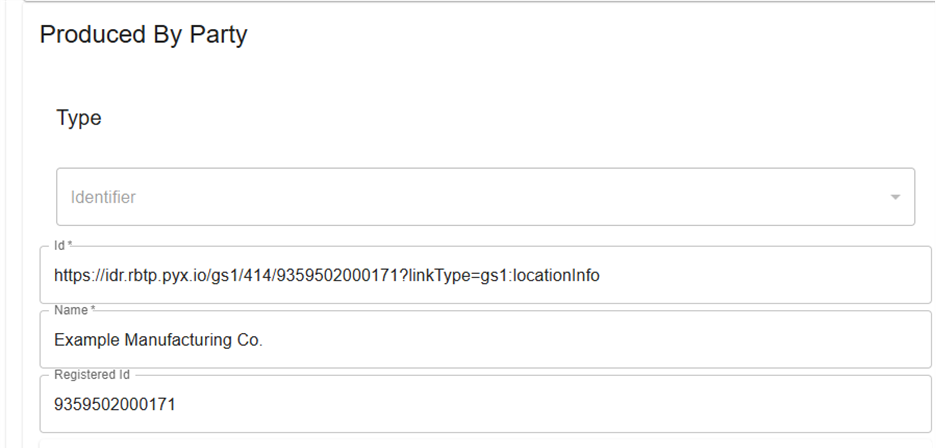
• Produced by Party: specify the information about the entity within the identifier scheme. You can modify the Id, Name and Registered Id.
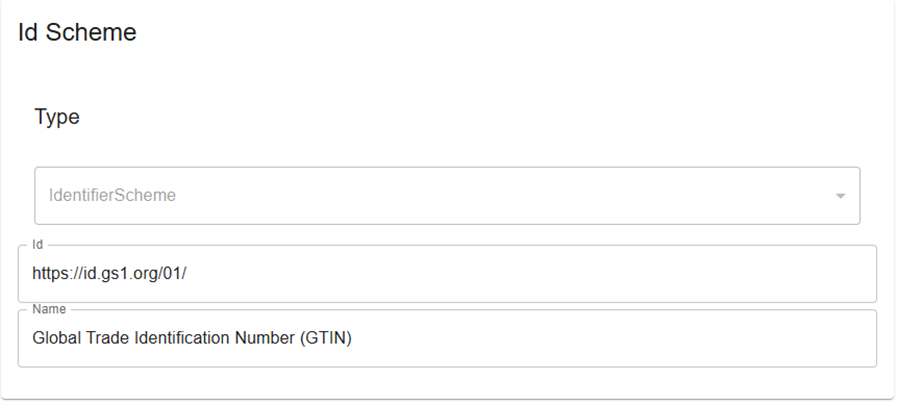
- Id Scheme: information about the registration scheme. You can modify the Id and Name.
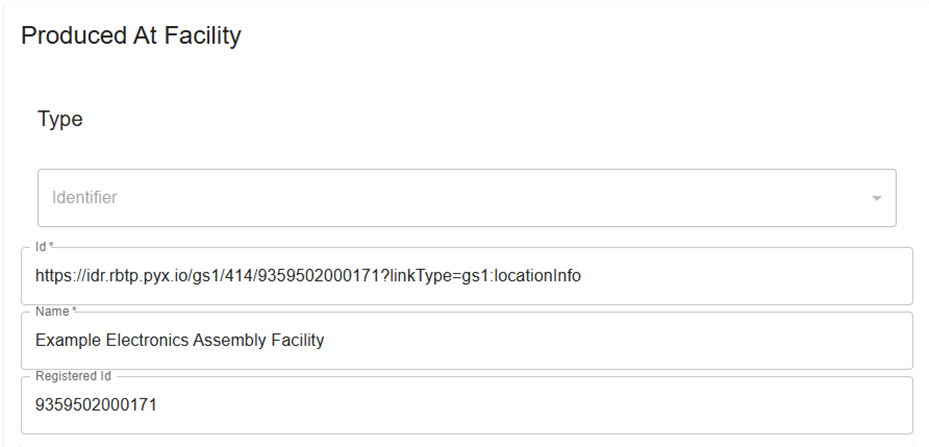
- Produced At Facility: information about the entity within the identifier scheme. You can modify the Id, Name and Registered Id.
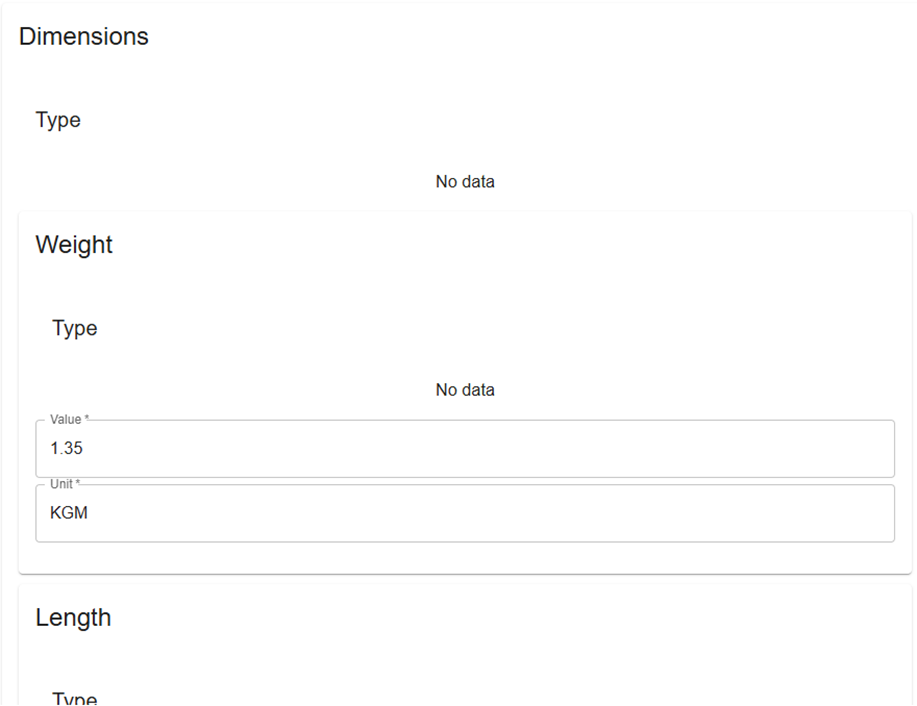
- Dimensions: it includes Weight, Length, Width, Height, and Volume. All these fields can be modified.
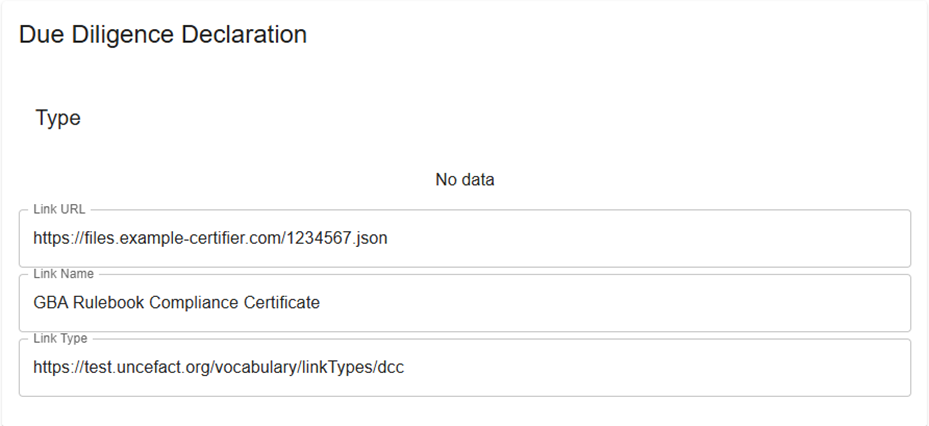
- Due Diligence Declaration: contains the target resource information. All these fields can be modified.
• Materials Provenance: details on the origin and mass fraction of components or ingredients of the product batch. You can click the “+” icon and add each component or ingredient.

• Conformity Claim: contains product conformity claims about the product / batch. You can click the “+” icon and add each conformity claim.

• Circularity Scorecard: provides a simple high-level summary of circularity performance of the product. You can modify the URL, Name and Type for the Recycling and Repair Information.

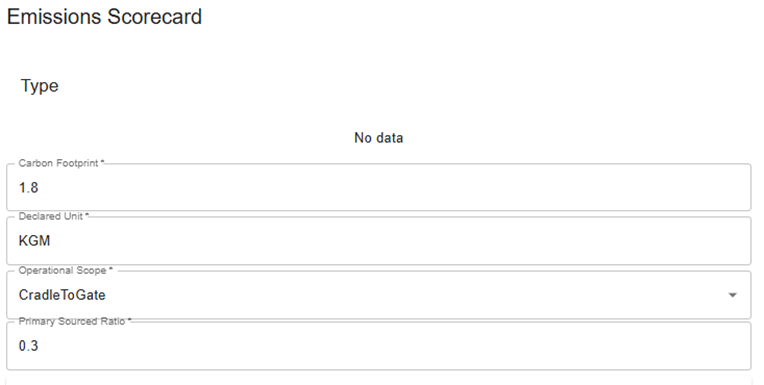
• Emissions Scorecard gives a clear snapshot of the product's greenhouse gas (GHG) emissions performance, providing a single indicator to assess its overall environmental impact. All these fields can be modified.
• Traceability Information: contains information about this traceability data set. You can click the “+” icon and add a Traceability Event and modify the Value Chain Process and Verified Ratio.
