Tracing Source Materials
The RBTP Knowledge Base is evolving weekly as part of our pilot programs with RBA members. We’d love your input — submit feedback or help shape the protocol in real time by joining a pilot.
Tracing Exercise - Tracing Source Materials from OEM Product Passport to Mine
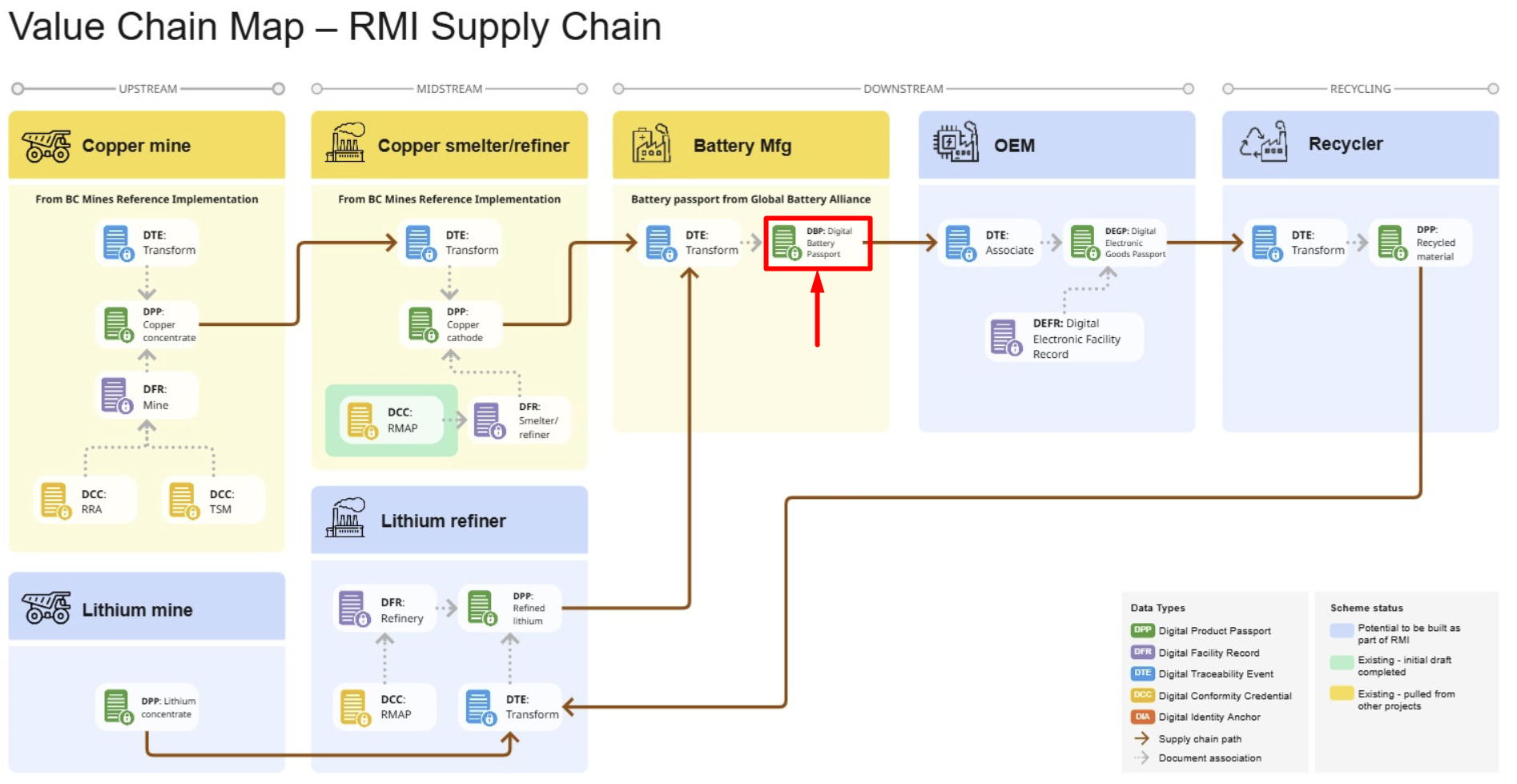
In this exercise we will demonstrate moving from an OEM Digital Product Passport downstream to the mine.
The blue arrows indicate the path we’re taking.
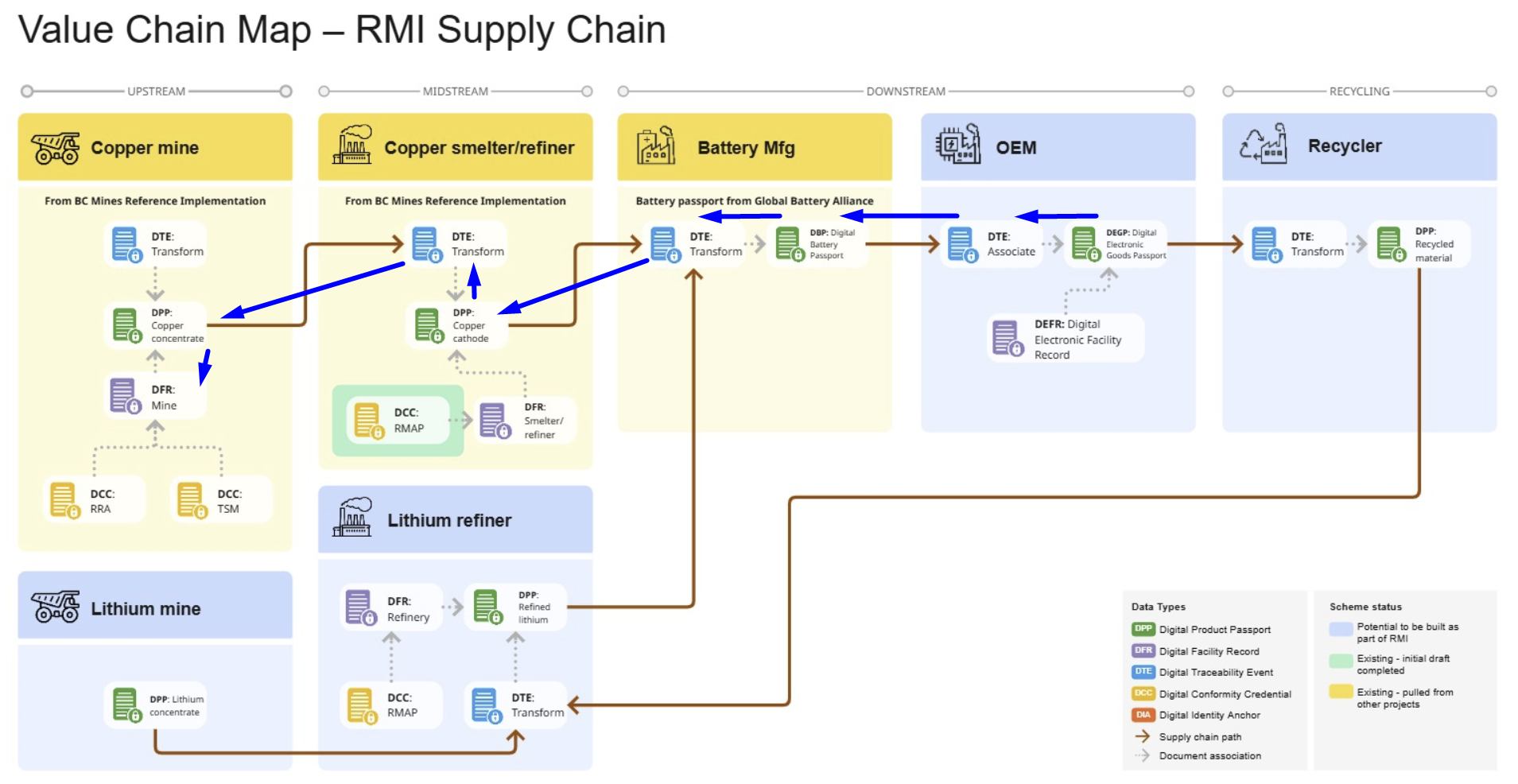
-
Visit the Interactive VC Map - https://www.rbtp.pyx.io/interactive-vc-map
-
OEM Product - Select Digital Electronic Goods Passport (DeGP)
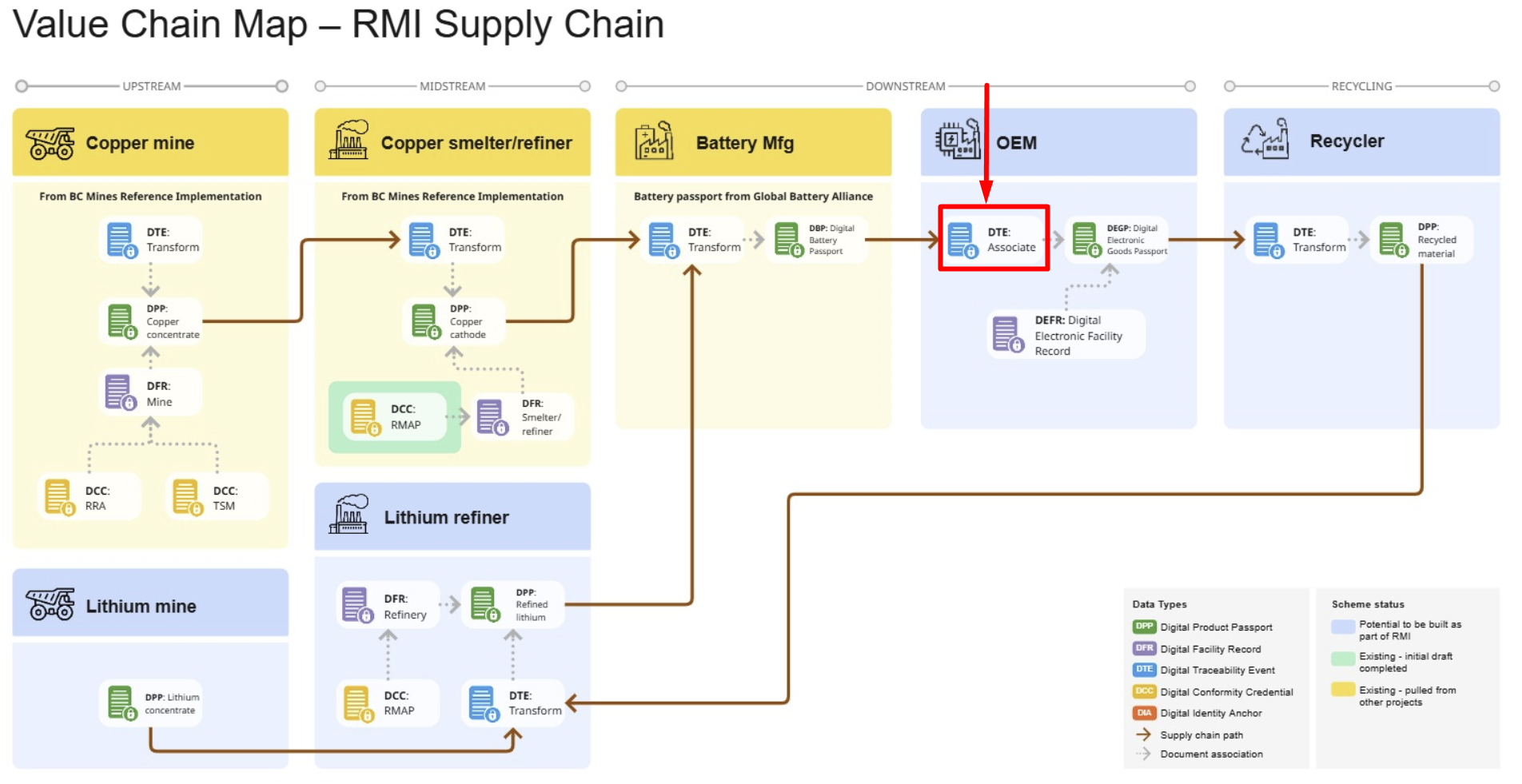
-
Scroll Down to the History section. In the row labeled Association Event, click View on the far right.

- You are now viewing the Association Event where the battery was added to an assembled product (DTE):
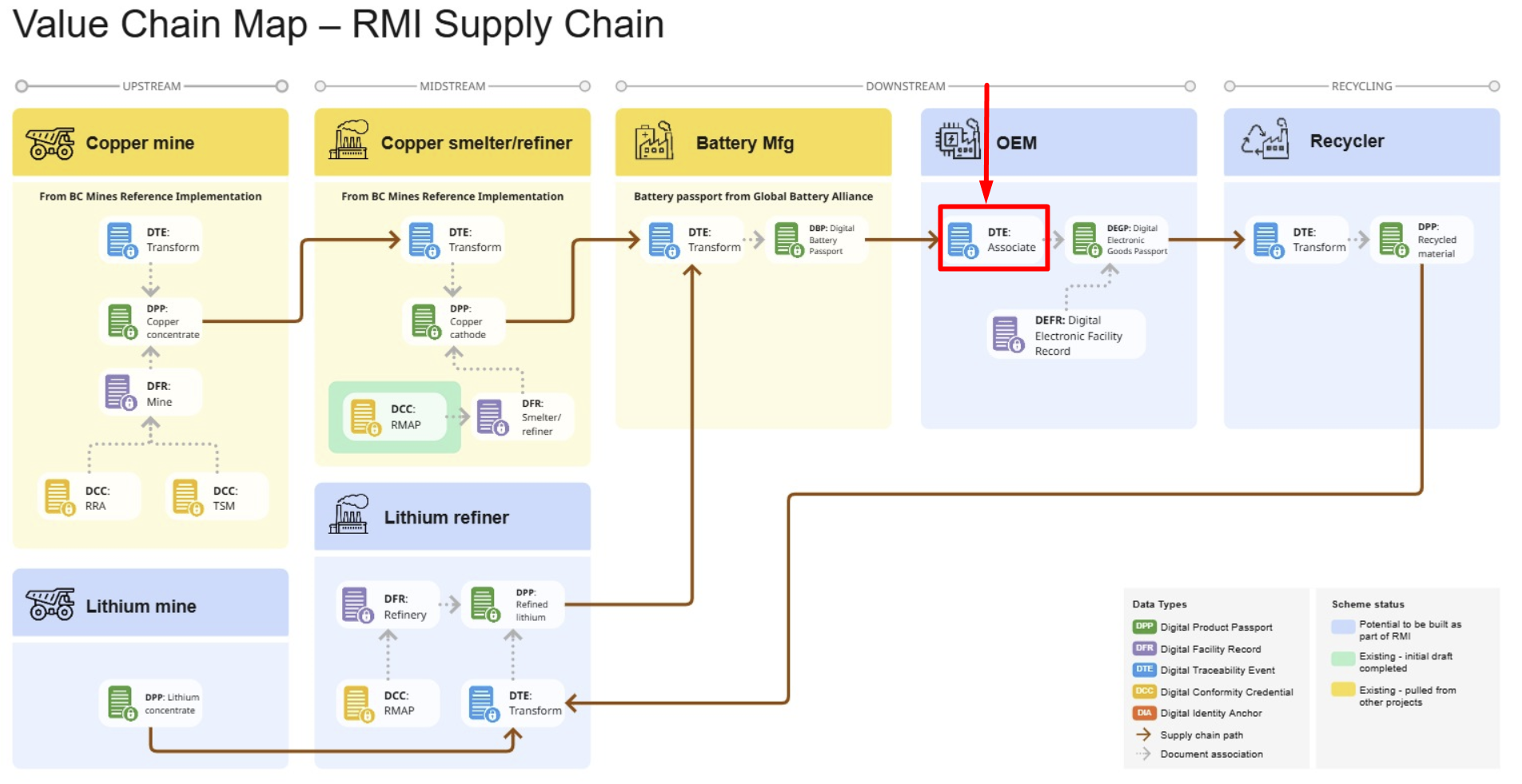
- You are now viewing the Association Event where the battery was added to an assembled product (DTE):
-
The Association (Manufacturing) Event shows upstream (Battery) and downstream (Assembled OEM Product)
- To hop from the OEM Association Event to the suppliers DPP (Battery Digital Product Passport, select View from the Child List:
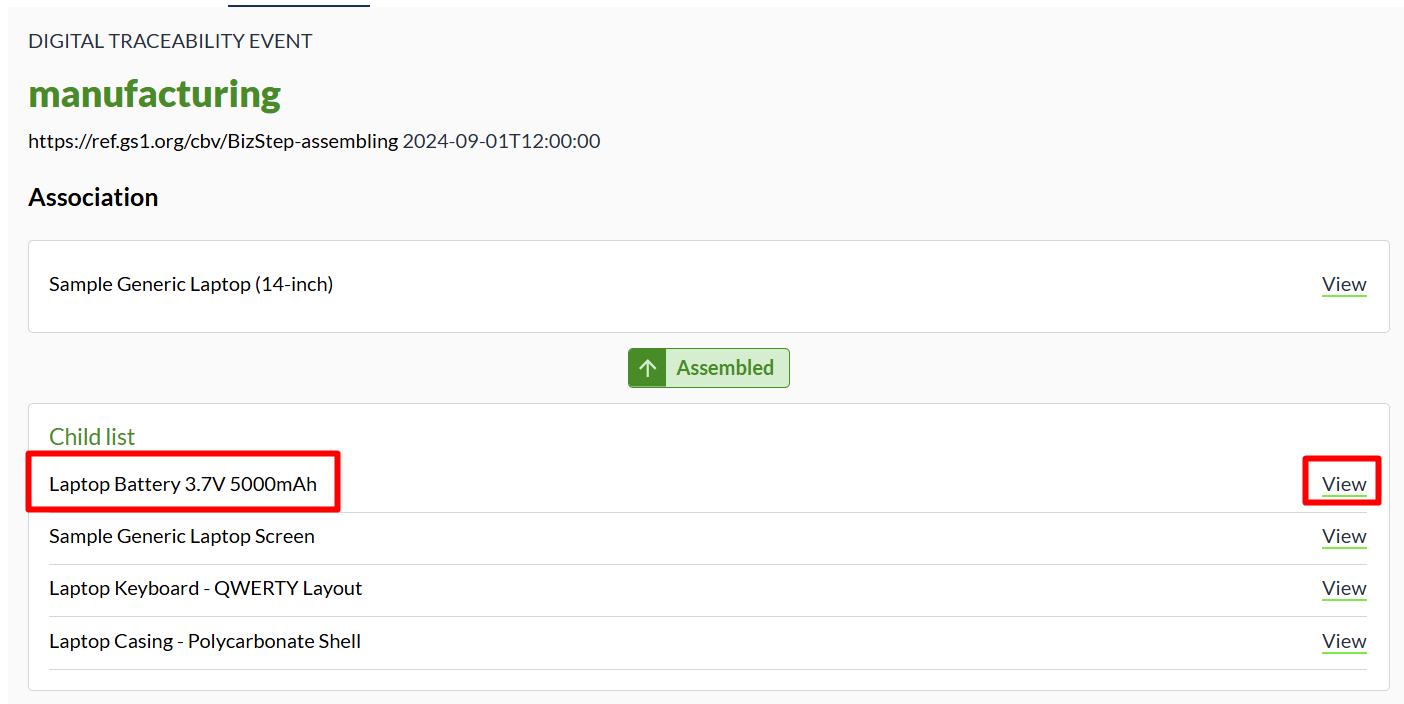
- You are now viewing the supplier’s upstream DPP for the battery that was used in the OEM Assembly.
- To hop from the OEM Association Event to the suppliers DPP (Battery Digital Product Passport, select View from the Child List:
-
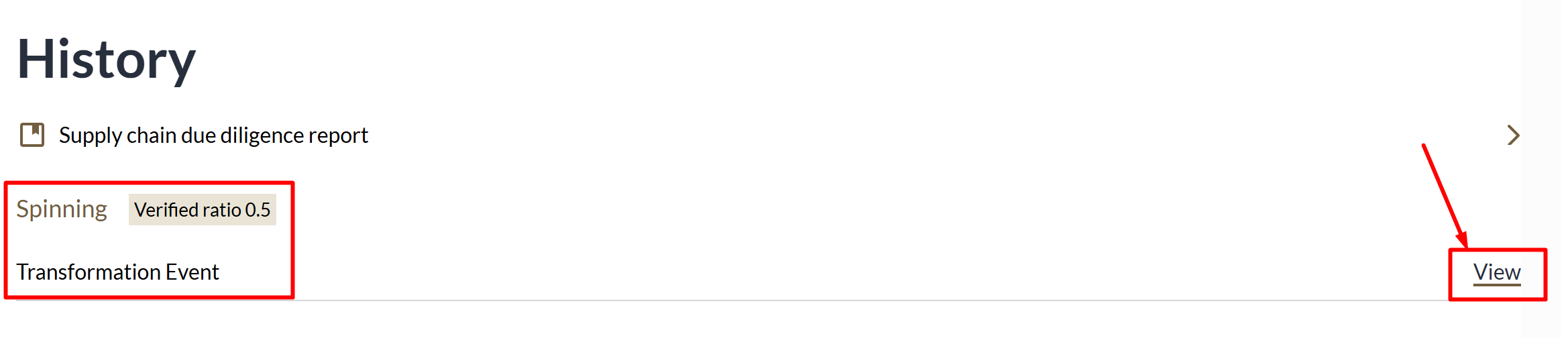
To view the DTE (Transformation Event) that added the spun Copper Cathode to the Battery Assembly, you’ll follow the same steps as before. Scroll down to History and select View in the row for the Transformation Event
- To view the DPP of the Copper Cathode, like before you will select View from the row labeled Input
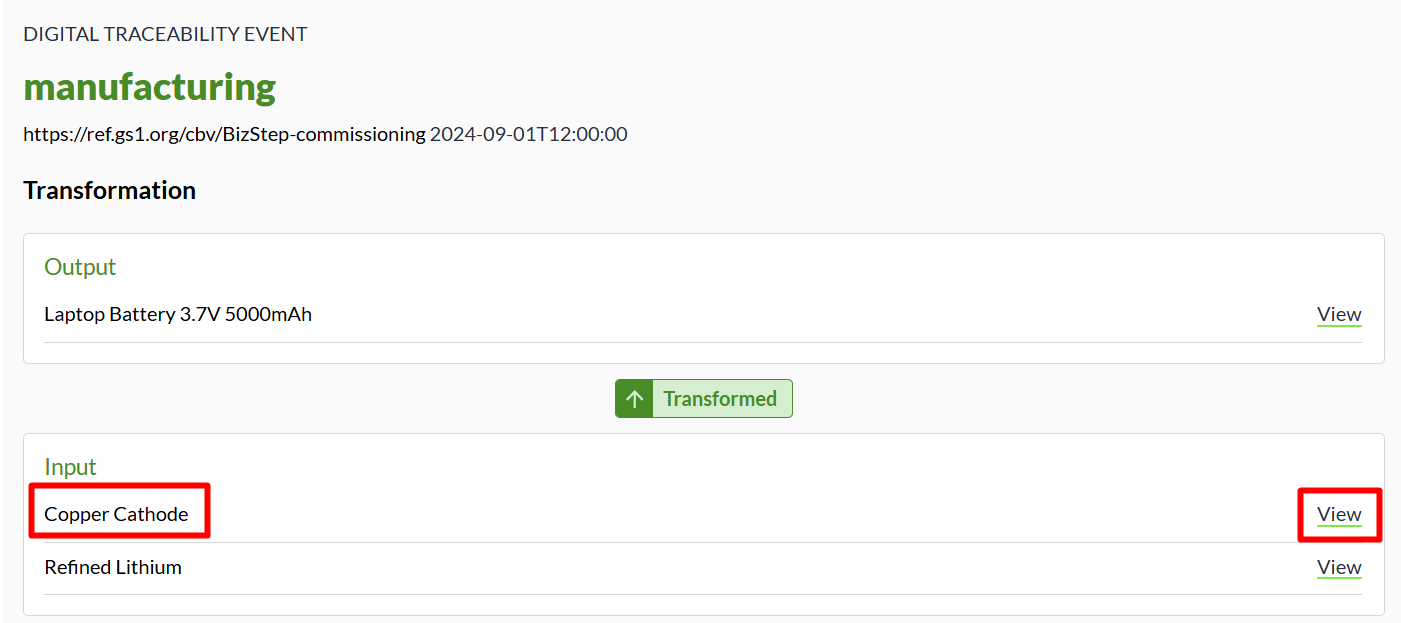
- To view the DPP of the Copper Cathode, like before you will select View from the row labeled Input
-
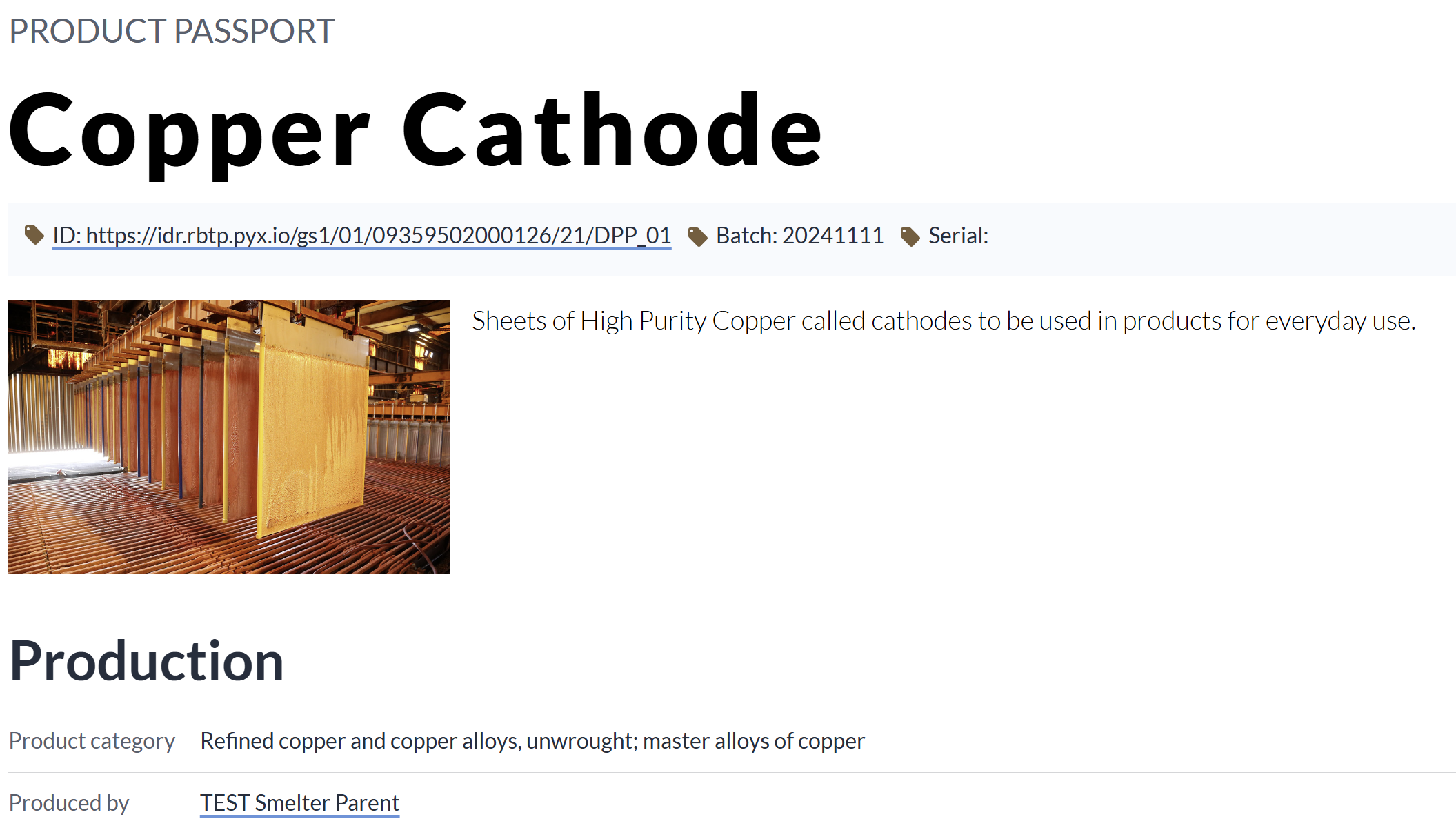
You are now viewing the Digital Product Passport for the BC Mines Reference Implementation
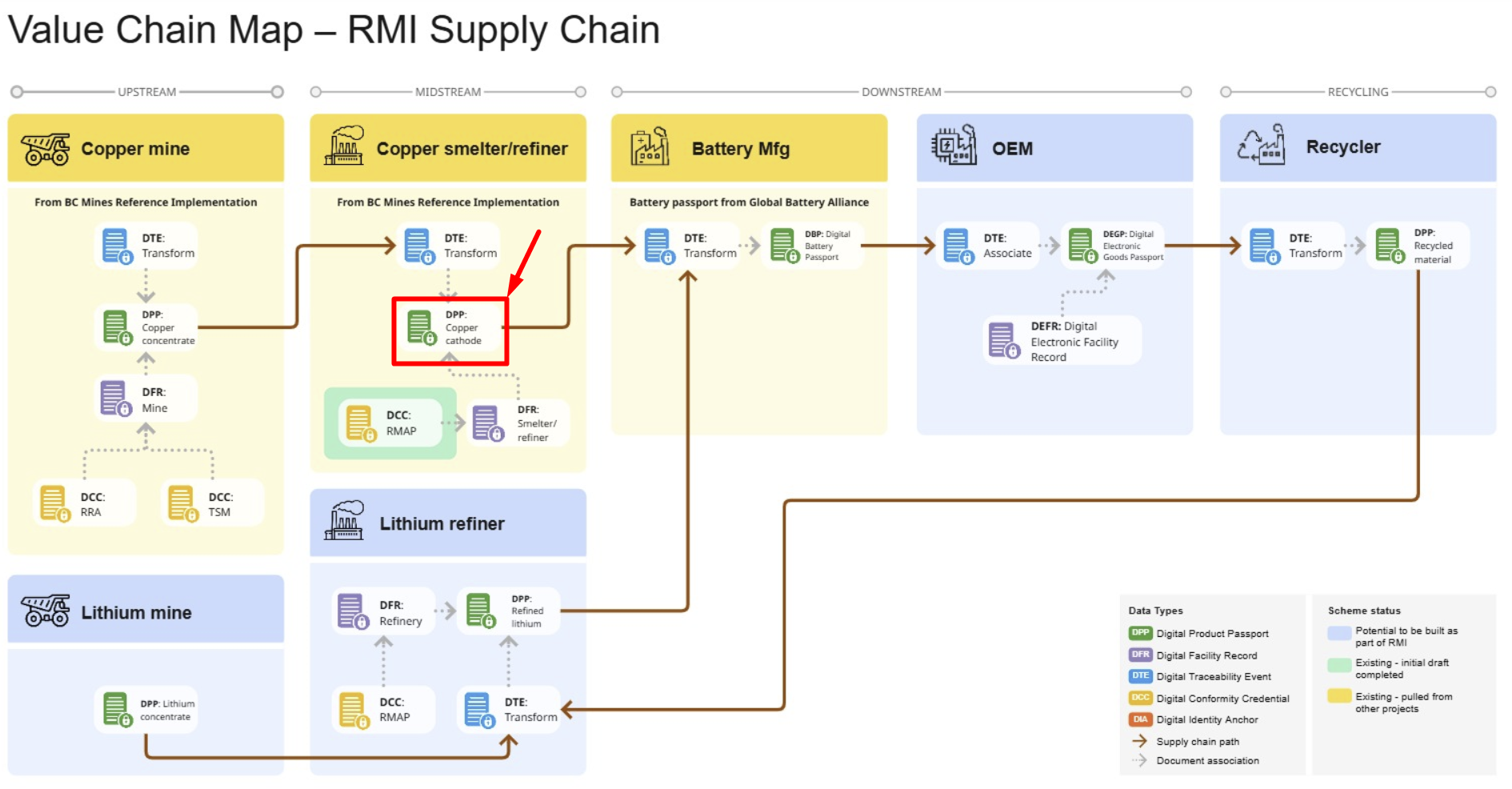
-
To view the DPP from the Copper Mine, you repeat the same pattern above.
- Scroll down to the History Section and select View in the row labeled Transformation Event

- From the Traceability event, you will select the input mineral, copper concentrate and you will be taken to the sale event from the miner.
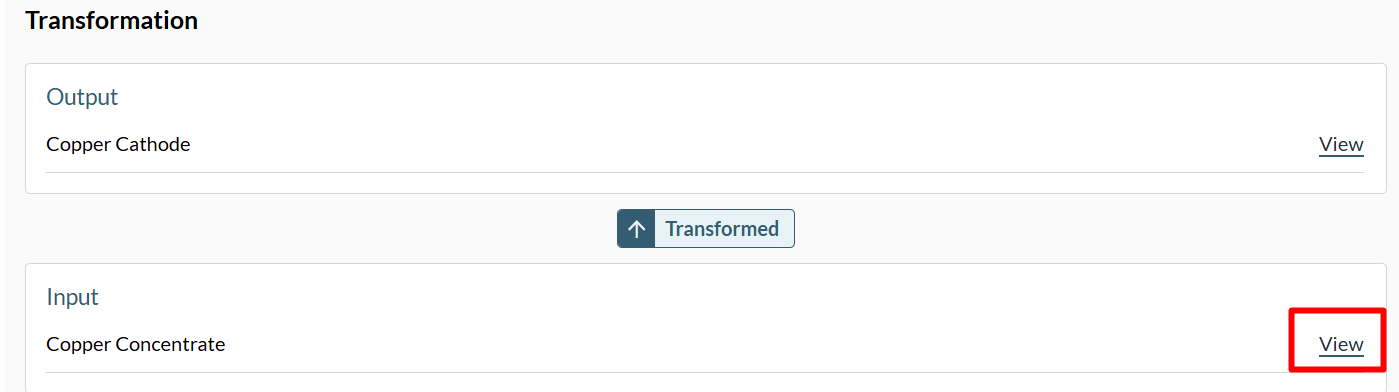
- On the newly opened DTE page (smelting), in the Input section, select View in the row labeled Copper Concentrate. You’re now viewing the Sale Traceability even from the miner.
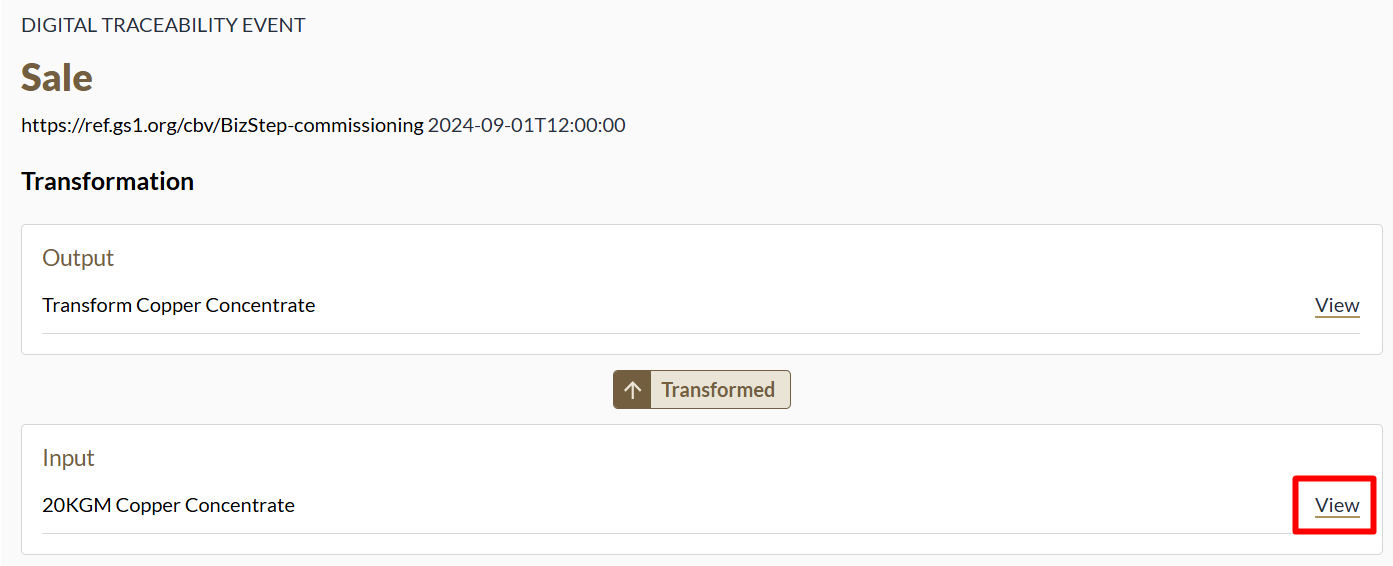
- Select “View” in the row labeled 20KGM Copper Concentrate and you will be viewing the Digital Product Passport at the mine
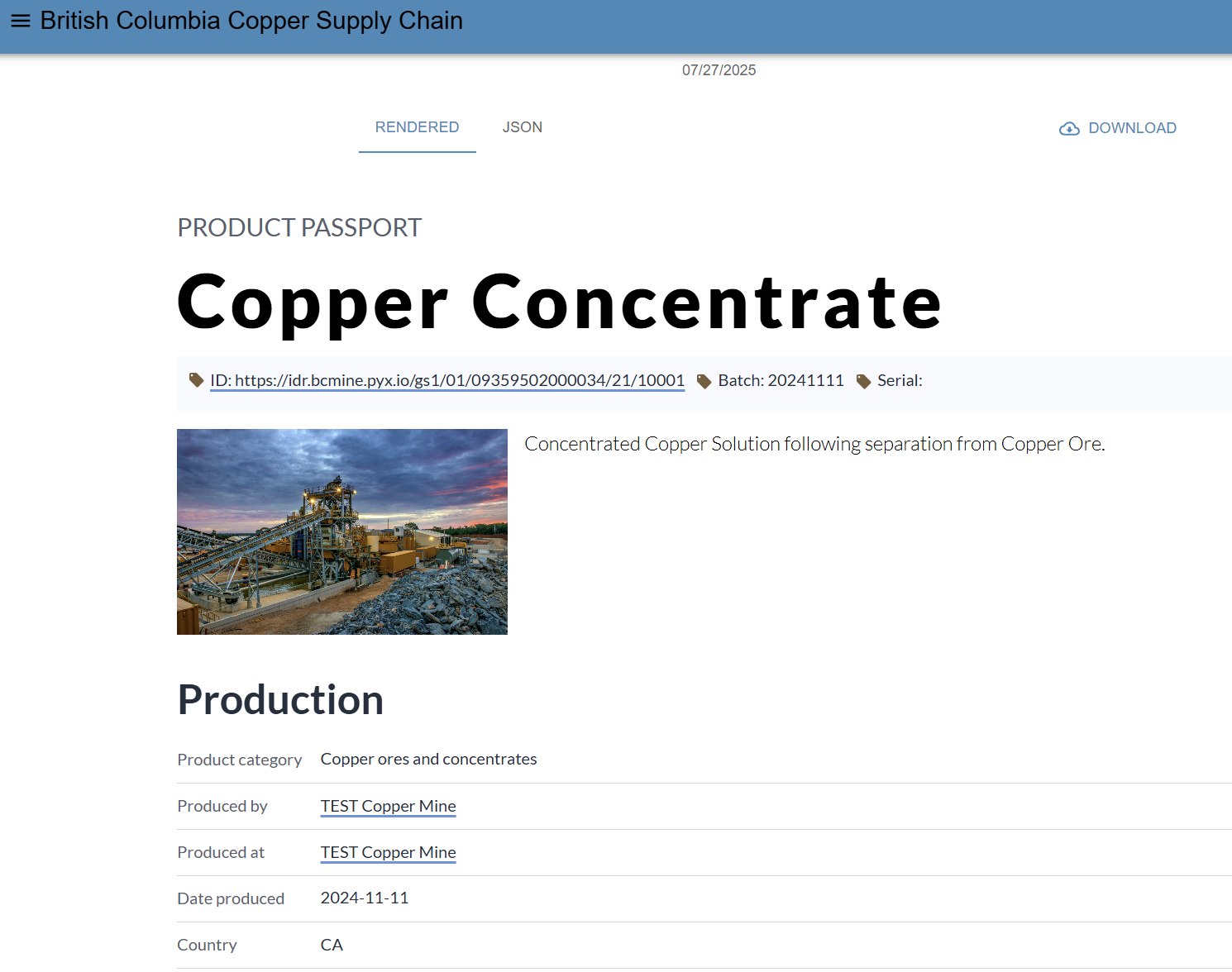
- Scroll down to the History Section and select View in the row labeled Transformation Event